How to Check if a Website Is Legit: 12 Checks Before You Buy (2026 Guide)
You found a store with great prices, a link arrived by SMS, or a site is asking for your card details. Before you pay or type anything, take five minutes to check whether the website is legit. Scam sites are built to look real, so one sign is never enough. This guide walks you through 12 free checks, in the order we use them for every review on SosoVibe.
Quick answer: how to check if a website is legit
- Run the address through a free website scam checker.
- Check when the domain was registered (WHOIS). A few weeks or months old is a warning sign.
- Scan it with Google Safe Browsing and VirusTotal.
- Look for real reviews on Trustpilot, Sitejabber and Reddit.
- Confirm a real company name, address and phone number.
- Only pay with a card or PayPal. Never by bank transfer, crypto or gift cards to a shop you don’t know.
1. Run a free website safety check first
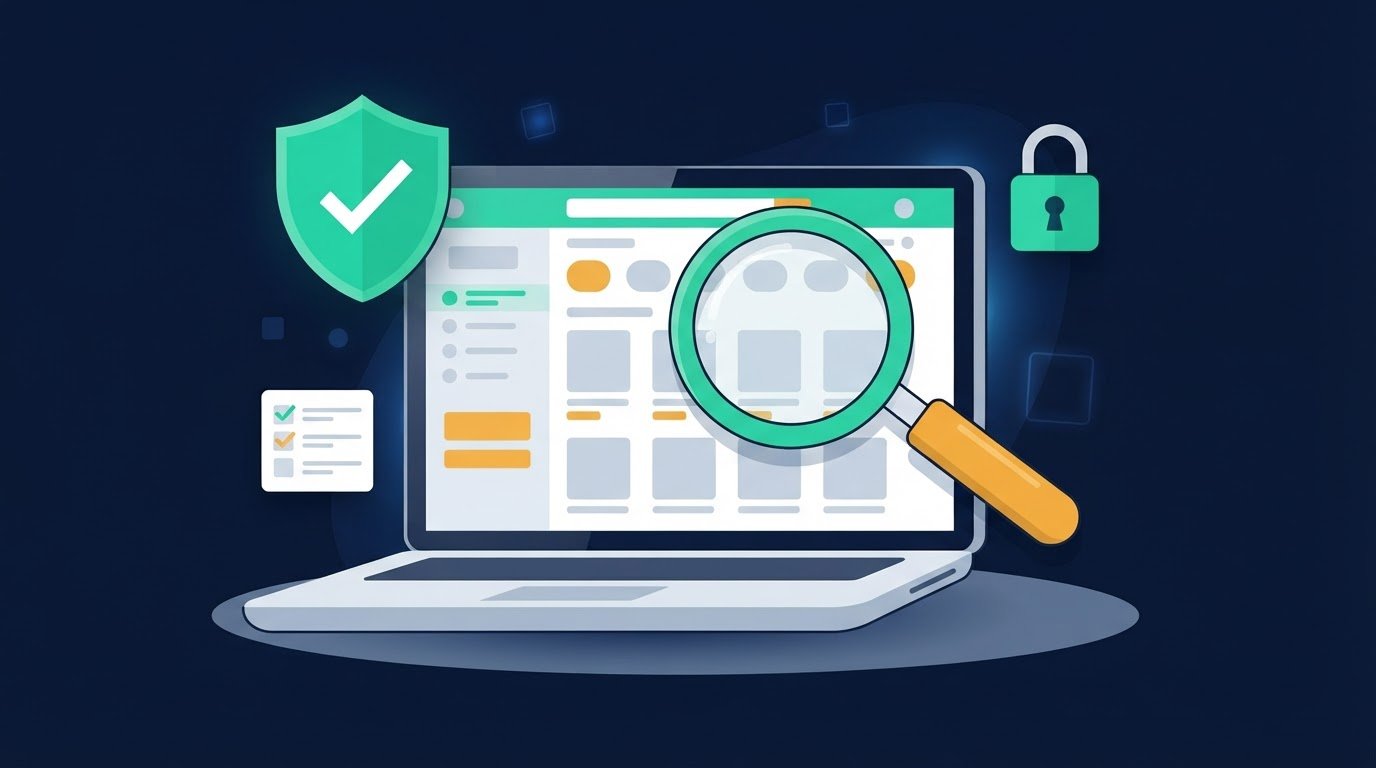
The fastest way to start is to paste the link into a website legit checker. In seconds you get a trust score plus the basics: domain age, SSL status, blacklist results and user reviews. Treat the score as a starting point, not a verdict. A high score means fewer warning signs were found, and the checks below help you confirm it.
2. Check how old the domain is (WHOIS)
Most fake online stores are built fast and thrown away after a few months, so a very new domain is one of the strongest warning signs. Look the address up on ICANN Lookup and note three things:
- Registration date: a store claiming “20 years in business” on a domain registered last month is not telling the truth.
- Expiry date: scam domains are often registered for one year only.
- Owner details: privacy protection is common and not a problem on its own, but combined with other red flags it means you can’t tell who runs the site.
3. Look at the website’s history (Wayback Machine)
Search the address on the Wayback Machine. A real business usually has years of saved snapshots that look similar over time. Warning signs: no history at all, or a domain that was a blog, a different shop, or a parked page until very recently. Scammers often buy expired domains so the site looks older than it is.
4. Check the SSL certificate, and know what the padlock means
The padlock in your browser means the connection is encrypted. It does not mean the business is honest: scam sites get free certificates in minutes. A missing padlock on a page that asks for payment is a serious problem, but a padlock alone proves nothing. For more detail, run the site through SSL Labs to see the grade and when the certificate expires.
5. Scan it with Google Safe Browsing and VirusTotal
Google Safe Browsing tells you whether Google has flagged the site for malware or phishing. VirusTotal checks the address against dozens of security vendors at once. A clean result is good news, but new scam sites often aren’t flagged yet, so keep going.
6. Read reviews in the right places
Ignore the testimonials on the site itself, because they are easy to fake. Search for the store name on independent platforms:
- Trustpilot and Sitejabber for customer reviews.
- Reddit, by searching “storename” scam or “storename” legit.
- The SosoVibe report for that site, where other visitors share what happened to them.
Be suspicious of a profile where all reviews are five stars, posted in the same few days, with short generic text. Real stores have a mix of good and bad reviews, and the bad ones tell you how problems get handled.
7. Verify the company: name, address and registration
A legitimate shop tells you who it is. Look for a registered company name, a physical address and a working phone number on the Contact or About page. Then check them:
- Search the company name on OpenCorporates, or on Companies House for UK businesses.
- Paste the address into Google Maps. Is it a real shop or office, or a house, an empty lot or a different business?
- Send a question by email and see whether you get a real answer.
8. Check how they want you to pay
Go to checkout (without paying) and see which options appear. Credit cards and PayPal give you a way to dispute a charge if the order never arrives. A store that only accepts bank transfer, cryptocurrency, gift cards or payment apps to a personal account is a major red flag, because that money is very hard to get back.
9. Read the return and refund policy
Real stores explain how returns work, who pays for shipping, and how long refunds take. Warning signs: no policy at all, a policy that mentions a different store name (copied from another site), or rules designed so you can never return anything, such as returns only to an overseas address at your own cost.
10. Compare the prices
Search the same product on two or three well-known stores. If a site sells branded sneakers, electronics or designer bags at 60 to 90% off while everyone else charges full price, the deal is the bait. “Clearance sale” and “store closing” banners with countdown timers are a common trick to rush you.
11. Check their social media and ads
Many scam stores find buyers through Facebook and Instagram ads. Search the store in the Meta Ad Library to see what ads it runs and when the page was created. On its social pages, look at the page age, whether comments are turned off, and whether the comments that remain mention orders that never arrived.
12. Reverse-search the product photos
Right-click a product image and search it with Google Lens or TinEye. If the same photo appears on a big brand’s site or on dozens of other “stores”, the shop is likely using stolen images and may never have the product.
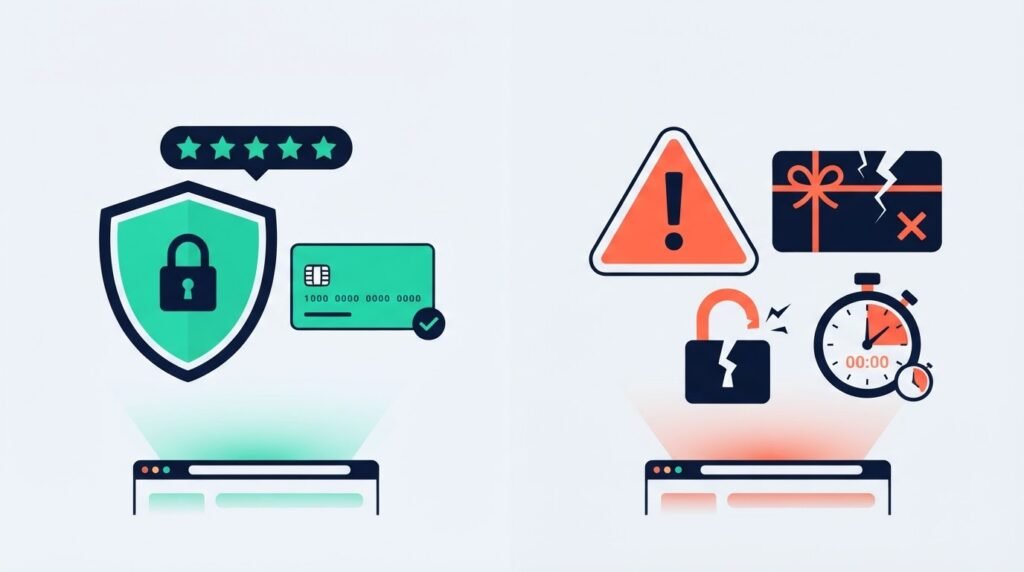
Red flags vs. green flags at a glance
| Red flag | Green flag |
|---|---|
| Domain registered weeks or months ago | Domain and site history going back years |
| Prices far below every other store | Prices close to the market |
| Bank transfer, crypto or gift cards only | Card and PayPal accepted |
| No address, phone or company name | Registered company you can look up |
| No reviews, or only five-star reviews from the same week | Mixed reviews on independent sites |
| Copied photos and a copied refund policy | Original photos and a clear returns process |
| Countdown timers and “only 2 left” pressure | No pressure to buy right now |
One red flag doesn’t make a site a scam: plenty of new small businesses have young domains. Two or more together is a reason to stop and look for the product somewhere you trust.
Special cases: links, crypto platforms and job offers
A link that came by SMS, WhatsApp or email
Messages about a parcel, a bank problem or a prize often lead to look-alike pages that steal logins and card details. Don’t tap the link. Copy it into a checker, or go to the company’s real website by typing the address yourself. Look closely at the spelling: one extra letter or a different ending (.info, .top, .xyz) is enough to send you somewhere else.
Crypto and investment platforms
Guaranteed returns, a “mentor” who contacted you on social media, and a dashboard showing big profits you can’t withdraw are classic signs of an investment scam. Check whether the platform is registered with the financial regulator in your country before you send anything.
Job and work-from-home sites
A real employer never asks you to pay a registration fee, buy a “starter kit” or deposit money to unlock tasks. “Like and earn” and paid-review jobs that require deposits are scams, however professional the site looks.
What to do if you already paid a scam website
- Call your bank or card provider right away. Ask them to block the card and dispute the payment.
- Change your passwords if you typed them on the site, and turn on two-step login.
- Save the evidence: screenshots, emails, order numbers and receipts.
- Report it to your local cybercrime authority (in the US, reportfraud.ftc.gov) and report the site on SosoVibe so others are warned.
Frequently asked questions
How can I tell if a website is legit for free?
Paste the address into a free website scam checker, then confirm the domain age on ICANN Lookup, scan it with Google Safe Browsing, and search for independent reviews. All of these are free and take a few minutes.
Does HTTPS mean a website is safe?
No. HTTPS only means the connection is encrypted. Scam sites use HTTPS too, so treat the padlock as a minimum, not as proof.
Is a new website always a scam?
No. Every real business starts with a new domain. A young domain is a reason to check more carefully: look for a registered company, real contact details and safe payment options.
Can I trust a website trust score?
A trust score is an automated estimate built from signals like domain age, SSL and blacklists. It is a useful first filter, but always read the reasons behind it and use your own judgment.
What is the safest way to pay online?
A credit card or PayPal, because both let you dispute a charge. Avoid bank transfers, crypto and gift cards when buying from a store you don’t know.
Related safety guides
Not sure about a website?
Check it free before you trust it with your money.
This guide is for general information. Results from the tools mentioned can change over time; always check a site yourself before paying.