Does the Padlock Mean a Website Is Safe? What HTTPS Really Tells You
For years people were told to “look for the padlock” before typing in card details. That advice is now out of date. Today almost every website has a padlock, including most scam websites. Here is what the padlock really means, what it doesn’t, and what to check instead.
Short answer
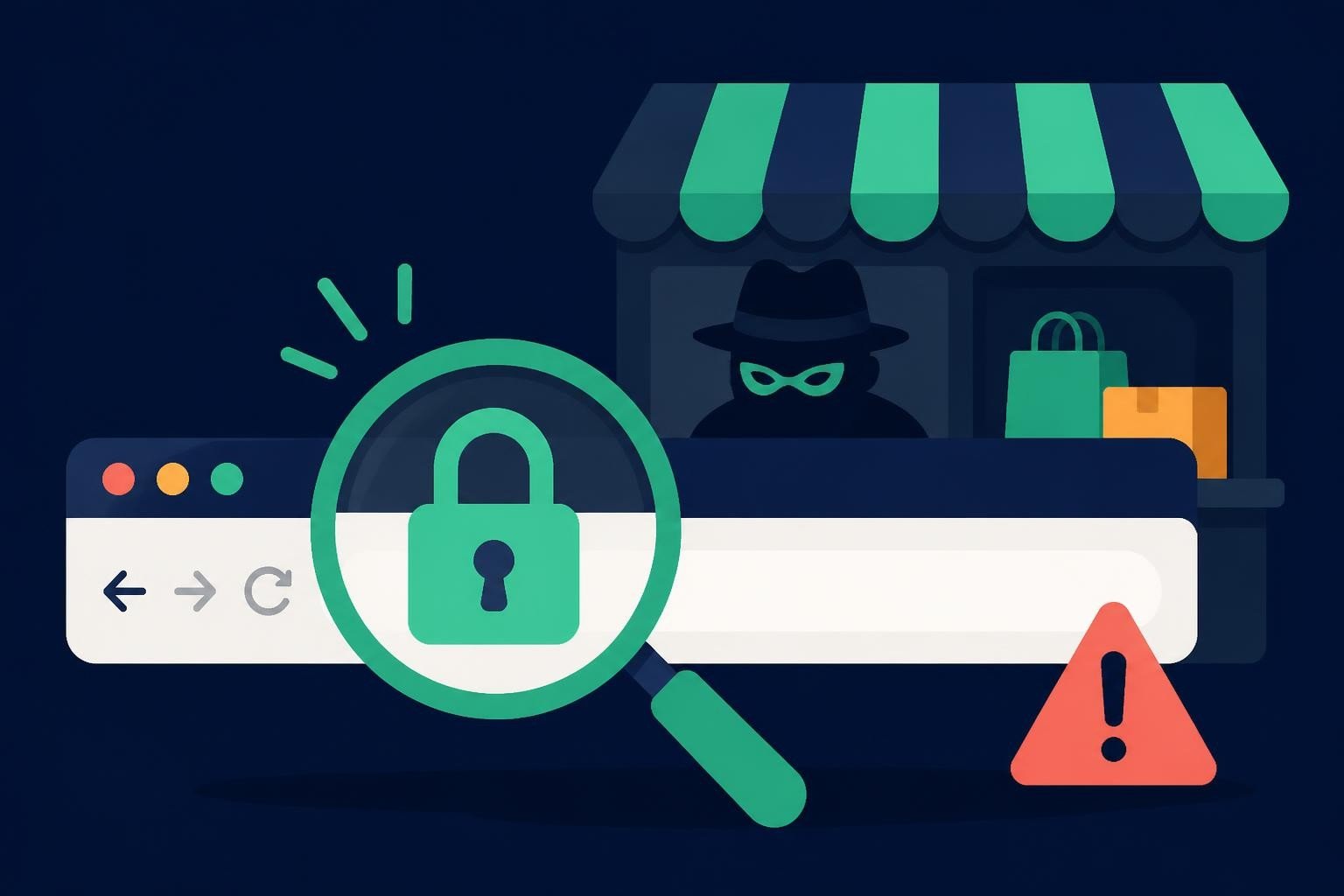
No, the padlock does not mean a website is safe or honest. It only means the connection between your device and the site is encrypted, so others on the network can’t read what you send. Scam sites get the same free certificates in minutes. A missing padlock on a payment page is a red flag, but a padlock on its own proves nothing.
What the padlock and HTTPS actually mean
HTTPS is the secure version of the protocol your browser uses to load web pages. When a site uses HTTPS, it has an SSL/TLS certificate, and your browser shows a padlock or a similar icon. This gives you two things:
- Encryption: the data you send, such as passwords and card numbers, is scrambled on its way to the website, so people on the same Wi-Fi can’t read it.
- A matching address: the certificate was issued for that exact domain name, so you are connected to the site in the address bar.
Notice what is missing from that list. The certificate says nothing about who runs the site, whether the shop will send your order, or whether the people behind it are honest.
Why scam websites have padlocks too
Most certificates today are issued automatically and for free. Anyone who owns a domain can get one in a few minutes, with no check on their identity or business. Scammers know shoppers look for the padlock, so they make sure every fake store and phishing page has one. A look-alike page such as paypa1-secure-login.com can show the same padlock as the real PayPal.
So the padlock tells you your data is travelling safely. It doesn’t tell you whether the place it is travelling to is safe.
When a missing padlock matters
The padlock is a minimum, not proof. If a page asks for a password, card number or personal details and your browser shows “Not secure” or no padlock, don’t enter anything. A real business taking payments in 2026 has no reason to skip encryption.
How to check a site’s certificate in more detail
- Click the padlock (or the icon to the left of the address) and open the certificate details. Check that it was issued for the exact domain you meant to visit.
- Look at the dates. A certificate issued only days ago on a site that claims to be years old is worth noting, especially together with a new domain.
- Run a free test on SSL Labs to see the certificate grade, who issued it and when it expires.
What to check instead of the padlock
| Check | Why it matters | Free tool |
|---|---|---|
| Domain age | Scam sites are usually weeks or months old | How to check domain age |
| Exact spelling of the address | Look-alike domains copy real brands | Your own eyes, letter by letter |
| Security scans | Flags known phishing and malware sites | Google Safe Browsing, VirusTotal |
| Company details | Real shops show who they are | OpenCorporates, Google Maps |
| Independent reviews | Other buyers’ experiences | Trustpilot, Reddit |
| Payment options | Cards and PayPal can be disputed | The checkout page |
For the full step-by-step process, see our guide on how to check if a website is legit, or paste the link into the SosoVibe checker to see several of these signals in one report.
Frequently asked questions
Is a website with HTTPS safe to buy from?
Not necessarily. HTTPS protects your data on the way to the site, but it doesn’t tell you whether the shop is real. Check the domain age, company details and reviews before you pay.
Can a phishing site have an SSL certificate?
Yes. Most phishing sites now use HTTPS because certificates are free and shoppers trust the padlock.
Why did my browser change or remove the padlock icon?
Some browsers have replaced the padlock with a neutral icon because people wrongly read it as a sign that a site is trustworthy. The connection is still encrypted; the browser just stopped implying the site itself is safe.
What does “Not secure” mean in my browser?
The page doesn’t use HTTPS, so anything you type could be read by others on the network. Never enter passwords or payment details on a page marked “Not secure”.
The padlock isn’t enough
Check domain age, blacklists and reviews in one free report.